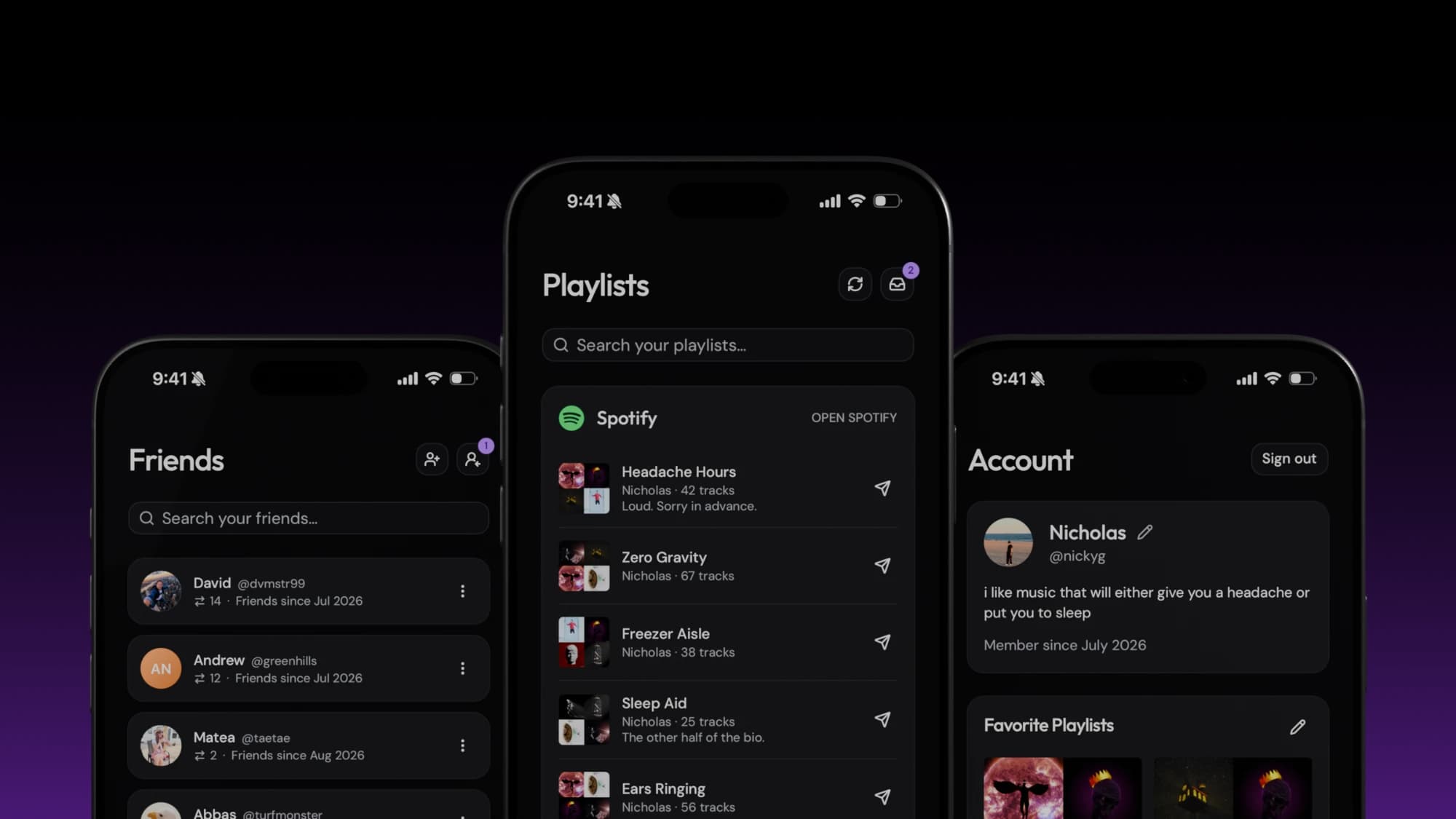

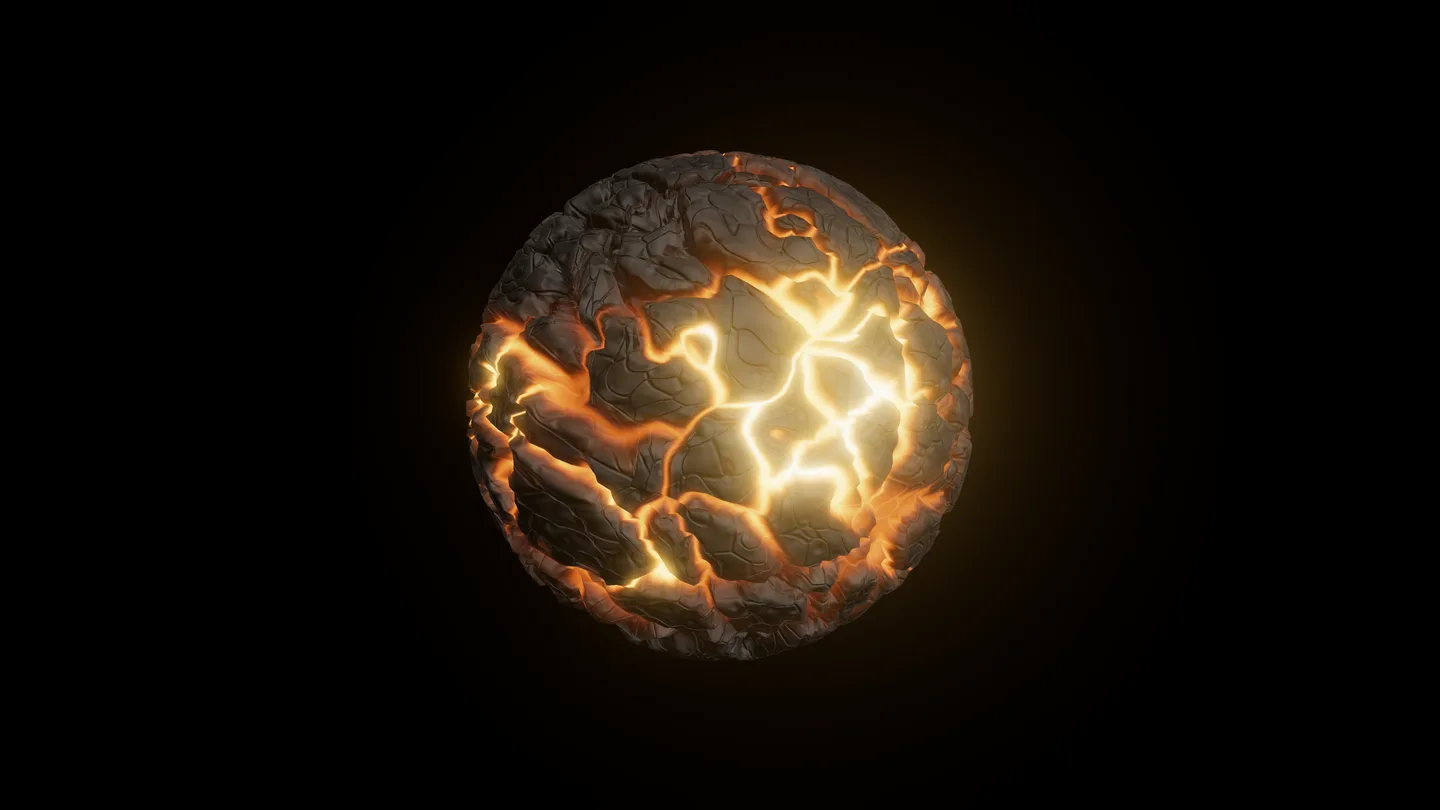
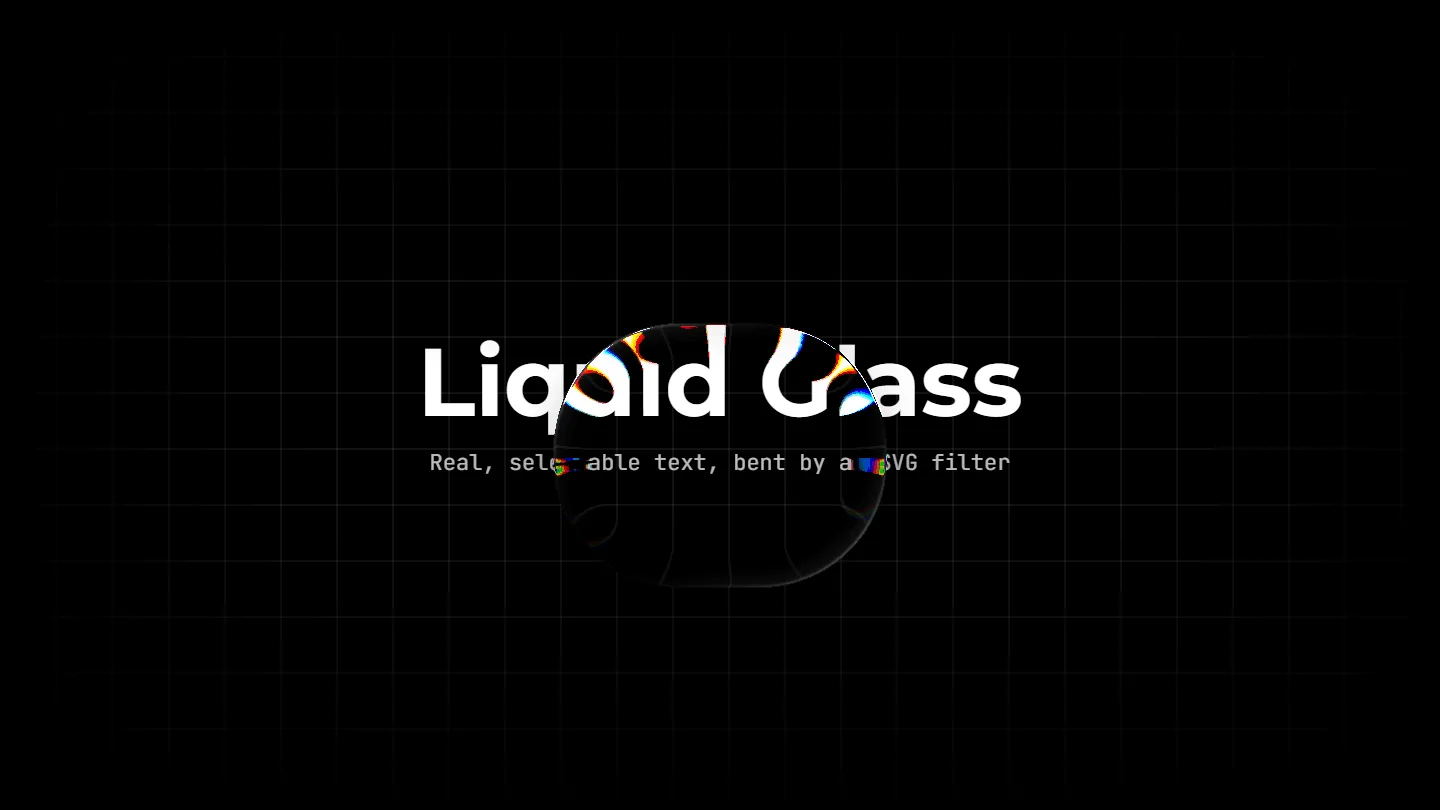


Rebuilding Liquid Glass for the web as an SVG filter that refracts any live element beneath it.
Inspired by Apple's Liquid Glass1 and Aave's implementation of it on the web,2 I wanted to rebuild the effect from scratch to see whether the glass could take any shape, not just a rounded rectangle.
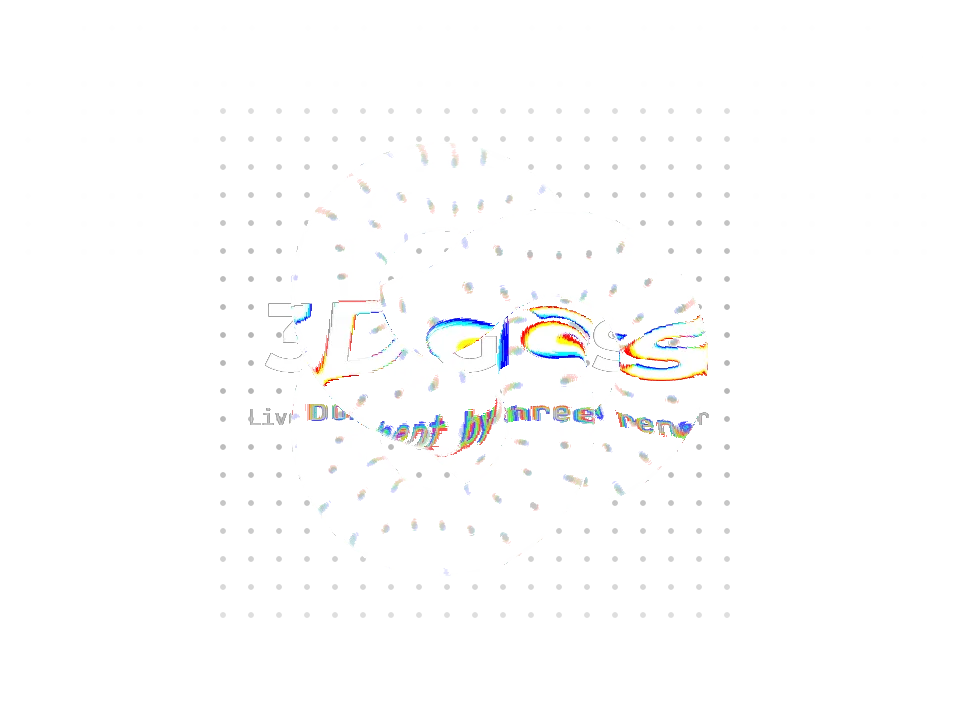
The lens is built on feDisplacementMap,3 an SVG filter applied to the page itself. It shifts each pixel under it by an amount read from a map, shown on the right: red sets how far a pixel moves horizontally, green how far vertically, and 50% grey leaves it where it is. Blue marks where the rim catches the light. The map is only redrawn when the shape changes, so dragging the lens just moves where it's read.
Comparing the filter with two GPU libraries that refract a snapshot of the page instead of the live page itself.
I wanted to see how my implementation stacked up against pre-existing approaches. Below, it sits beside two published glass libraries over the same scene. Drag each lens over the pulsing bars and text to see the difference.
Both libraries run on the GPU: ybouane's with WebGL, and liquidGL with WebGPU where the browser has it. Instead of refracting the page directly, they take a snapshot of it and hand that picture to the GPU and refract the copy. Working from a copy lets them afford effects an SVG filter pays dearly for, like a real blur and a proper specular highlight, but anything that moves under the glass has to be recaptured. The filter bends the live page directly, so there's no copy to keep up to date.
Getting the libraries to run smoothly side by side meant swapping the animated bars for a video, since both can play a video under the glass without recapturing the page. With CSS animation instead, ybouane's library recaptured the bars every frame and cut the whole page's frame rate by more than half, while liquidGL's cost was barely measurable.
Custom SVG filter
An SVG displacement-map filter applied straight to the live DOM.
- Moving content
- Video or CSS, refracts as it moves, no setup
- Text under glass
- Still real text — selectable
- Scene fidelity
- Exact — there is no copy to be wrong
- Runtime cost
- A filter graph re-run on the main thread every frame
@ybouane/liquidglass
A WebGL shader over an html-to-image raster, re-captured on demand.4
- Moving content
- Video drawn live; CSS once tagged data-dynamic
- Text under glass
- A picture of text
- Scene fidelity
- Faithful, if the layout survives cloning
- Runtime cost
- Video is cheap; moving DOM is an html-to-image pass every frame
liquidGL
A WebGPU shader, or WebGL without it, over a raster snapshot of the page.5
- Moving content
- Video drawn live; CSS keyframes re-captured as they move
- Text under glass
- A picture of text
- Scene fidelity
- Grid overlay dropped, gradients dimmed
- Runtime cost
- Cheap per frame, CSS motion included
Turning a 3D model into glass that refracts the live web page beneath it.
Since discovering that the live web could be refracted with an RGB map, I was curious whether I could generate that map with Three.js. The map behind Liquid Glass is drawn from a width, a height and a corner radius, which limits it to rounded rectangles and circles. Generating it from a 3D model instead lets the glass be any shape.
Most of my time went into refining the look of the glass's edge. A soft outline in the map left a dark ring around the glass, the rim highlight blurred into a grey smudge as the map was stretched, and lighting every edge of the cube made it look like a wireframe. A sharper map, a separately drawn highlight and fewer lit edges fixed all three.
Liquid glass on the web works, but it's expensive to run, and the 3D version is best saved for a single standout moment.
Glass on the web is more expensive than I'd hoped. The filter redraws everything under the lens on every frame, so each lens on screen, and each effect layered onto it, adds to the cost. Over something that's already moving, like a video, that adds up quickly. To stay smooth, the glass has to be kept simple and used sparingly, which is why the player at the top of this page leaves its color fringing off.
There isn't one right approach. Bending the live page keeps its text real and selectable, but it's paid for every frame. Copying the page, as the two libraries do, makes the optics cheaper, but the copy loses detail and has to be recaptured whenever something under it moves.
The 3D version fits wherever one object deserves the attention: a logo turning over a landing page, the glass in a product render, or a loading animation that bends the page it's waiting on. It's too heavy to scatter through an interface, but used once, it can be the kind of detail people remember.
Notes & references
- Apple. Liquid Glass. Apple Developer Documentation. The material the lens is modelled on. ↩
- Aave. Building glass for the web. Aave Design. The web implementation that prompted this one. ↩
- W3C (2018). Filter Effects Module Level 1. Working Draft. Defines
feDisplacementMap, the filter the lens is built on. ↩ - ybouane. @ybouane/liquidglass. WebGL glass library. ↩
- naughtyduk. liquidGL. WebGPU and WebGL glass library, v3.0.0. ↩
- Refraction. Wyman, C. (2005). An approximate image-space approach for interactive refraction. ACM Transactions on Graphics, 24(3), 1050–1053 (SIGGRAPH '05). How 3D Glass measures the model's thickness, so the bend grows where light crosses more glass.
- Fresnel. Schlick, C. (1994). An inexpensive BRDF model for physically-based rendering. Computer Graphics Forum, 13(3), 233–246. The glow inside 3D Glass's outline, dim where the glass faces you and bright at grazing angles.
- Compositing. Porter, T. & Duff, T. (1984). Compositing digital images. SIGGRAPH '84. The premultiplied alpha SVG filters work in, and why the Liquid Glass lens draws its rim highlight on a canvas of its own.